
Capture Bills Your Way - Effortlessly
Manage Client Invoices Faster, With Full Control and Visibility
With Azopio, there’s no single way to add bills — and that’s the point.
Whether your documents come from email, paper, mobile, or bulk exports, everything flows into one centralized workspace automatically.
Just upload, forward, snap, or scan — Azopio extracts the key data and organizes it for you, eliminating manual entry and reducing errors.
Modern bill capture tools rely on automation and flexibility to reduce repetitive work and speed up accounts payable workflows.
Bulk upload
Mobile capture
Scan
Email fetcher
Upload Bills in Bulk
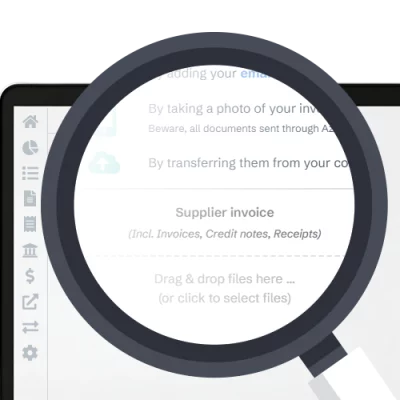
Add multiple invoices at once — no manual effort
Handling large volumes of invoices? Upload everything in seconds.
- Drag and drop files directly into Azopio
- Browse and upload from your computer or cloud storage
- Process multiple PDFs or images in one go
- Ideal for month-end closing or historical imports
Azopio automatically extracts supplier names, amounts, dates, and line items — so your documents are ready to review instantly.
Best for: finance teams, accountants, and high-volume workflows
Snap a Photo
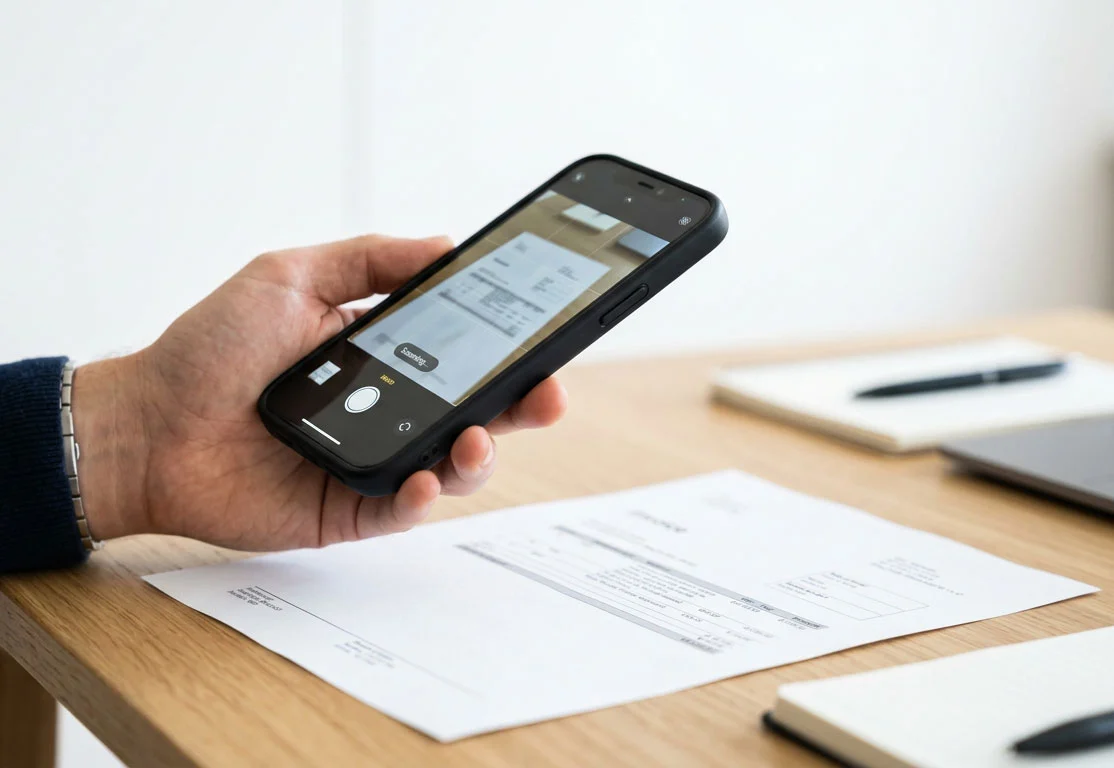
Capture bills instantly from your phone
No scanner? No problem.
- Take a photo of a receipt or invoice
- Upload directly from your mobile device
- Works with paper bills, receipts, or handwritten documents
Azopio detects key fields, and converts it into structured data — in seconds.
Best for: on-the-go teams, field workers, or expense capture
Send or Forward to a Dedicated Email Address
Let your vendors send bills directly into Azopio
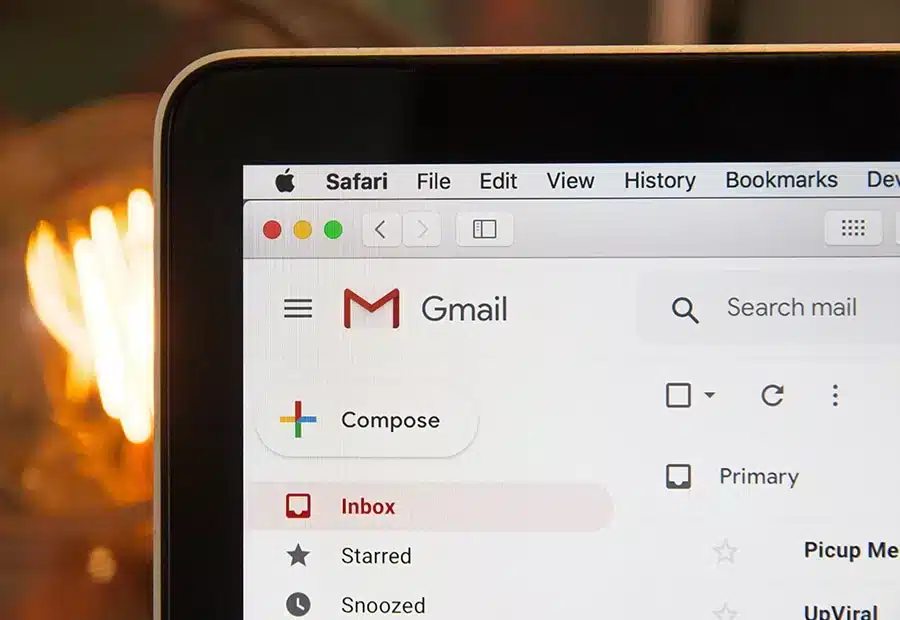
Each account comes with a unique email address for centralizing your bills.
- Ask vendors to send invoices directly to your Azopio inbox
- Forward received bills in one click
- Automatically centralize all incoming invoices
As soon as an email arrives, Azopio captures attachments and processes them — no download or upload needed.
Best for: automating supplier invoice collection
Scan Paper Documents
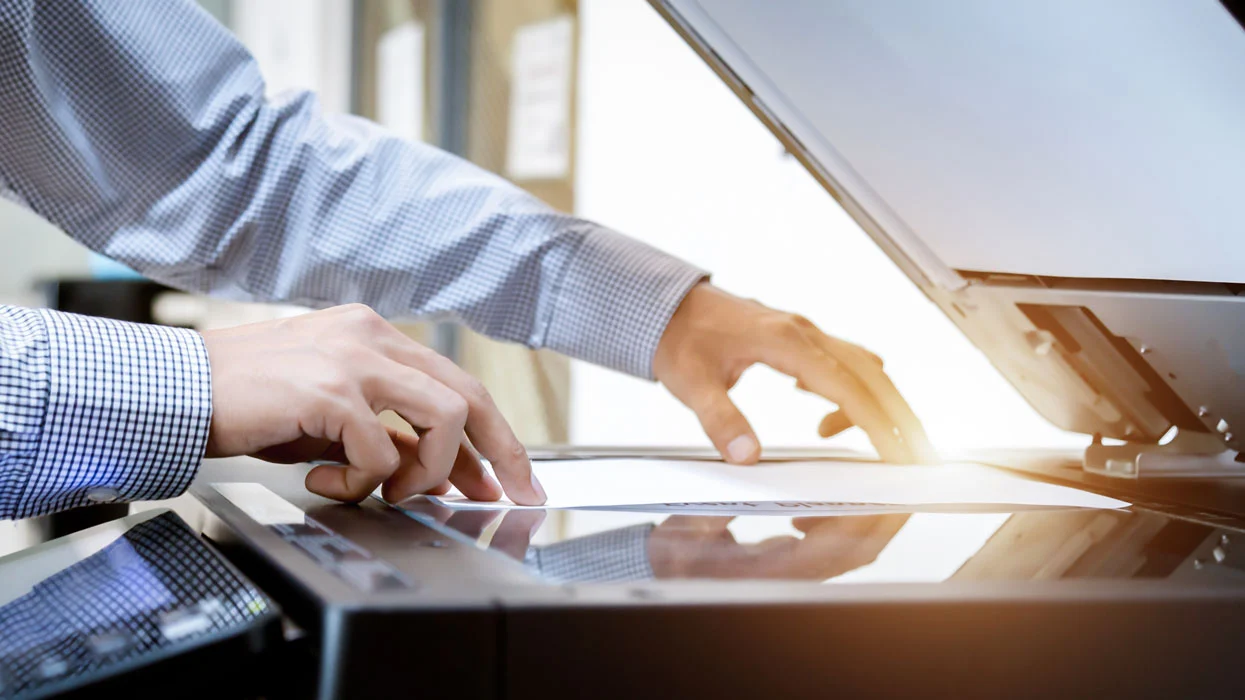
Turn physical paperwork into digital data
Still dealing with paper invoices? Azopio bridges the gap.
- Use a scanner or multifunction printer
- Upload scanned documents in PDF or image format
- Automatically digitize and structure the data
No more manual transcription — your paper workflow becomes fully digital.
Best for: transitioning from paper-based processes
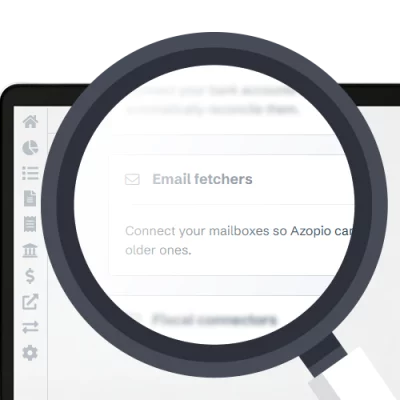
Email Bill Fetcher
Connect your mailbox and automate everything
Go one step further by syncing your email.
- Connect Gmail, Outlook or another email service provider
- Automatically detect bills in your inbox
- Import attachments without manual forwarding
- Continuously capture new bills in real time
Azopio identifies relevant emails, extracts bills, and organizes them — so nothing slips through the cracks.
Best for: eliminating repetitive email handling
One platform. Every input method. Zero manual entry.
Azopio adapts to how your business already works — not the other way around.
Combine multiple capture methods depending on your workflow, and let automation handle the rest.
Faster invoice processing
Fewer errors
Complete visibility over your financial documents
Most frequent questions and answers
What is bill capture software?
Bill capture software automates the process of collecting and capturing bills and invoices, eliminating manual entry and reducing errors.
Can I capture bills from email automatically?
Yes, Azopio connects to your inbox and imports invoices in real time without manual intervention with its Email Bill Fetcher capability
Does Azopio support scanned documents?
Yes, scanned PDFs and images are fully supported and processed using AI.
What file formats are supported?
PDF, JPG, PNG, and other standard invoice formats like Word or Excel (when forwarded to the dedicated email address).
Is this suitable for high-volume invoice processing?
Yes, bulk upload and automation features are designed for scalability.
Take Control of Your Accounts Payable
Simplify your processes, reduce workload, and gain full visibility over your invoices and documents.
Free 14-day trial