
Turn Documents into Actionable Data
Once your bills are captured, Azopio organizes, stores, syncs,
and enriches them with actionable data — so your finance team can move faster with full control.
Azopio doesn’t just capture and store invoices.
It structures, enriches, and connects them to your financial workflows — eliminating manual tasks and improving data reliability.
Organize
Archive
Sync
Extract
Duplicates
Search
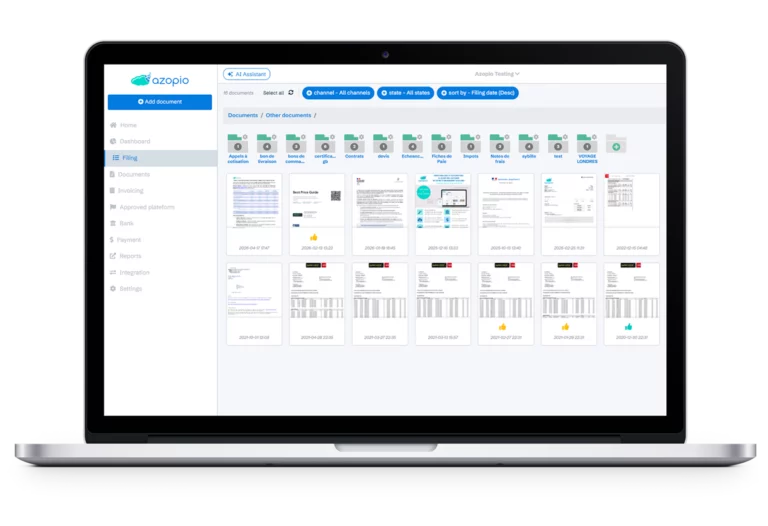
Organize Documents
Keep Everything Structured and Accessible
Automatically classify and organize invoices, receipts, and financial documents in a centralized workspace.
Key Benefits
- Smart categorization (supplier, date, amount)
- Custom folders and tagging
- Clean, audit-ready structure
- Multi-entity organization
Archive Securely
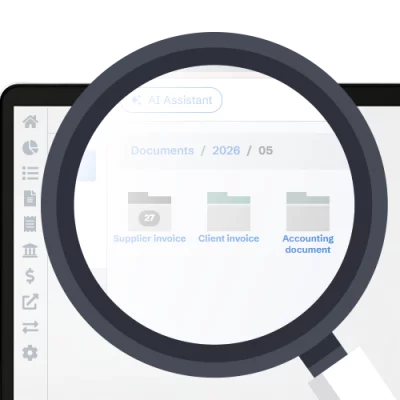
Archive with Compliance and Confidence
Store your financial documents securely with long-term retention and easy retrieval.
Key Benefits
- Secure cloud storage
- Audit-ready document history
- Long-term retention compliant
- Instant retrieval at any time
Sync with Your Tools
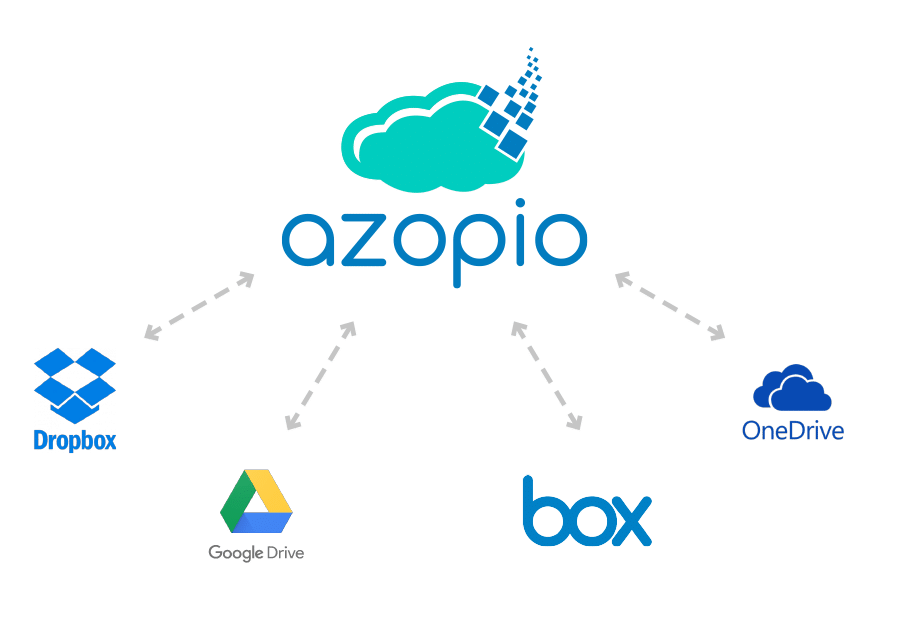
Sync Files with Your Existing Stack
Automatically sync documents with your preferred storage platforms.
Supported Platforms
- Google Drive
- Dropbox
- OneDrive
- Box
Key Benefits
- Daily synchronized mirror copy
- No duplicate uploads
- Centralized yet connected
- Fits into existing workflows
Extract Data Automatically
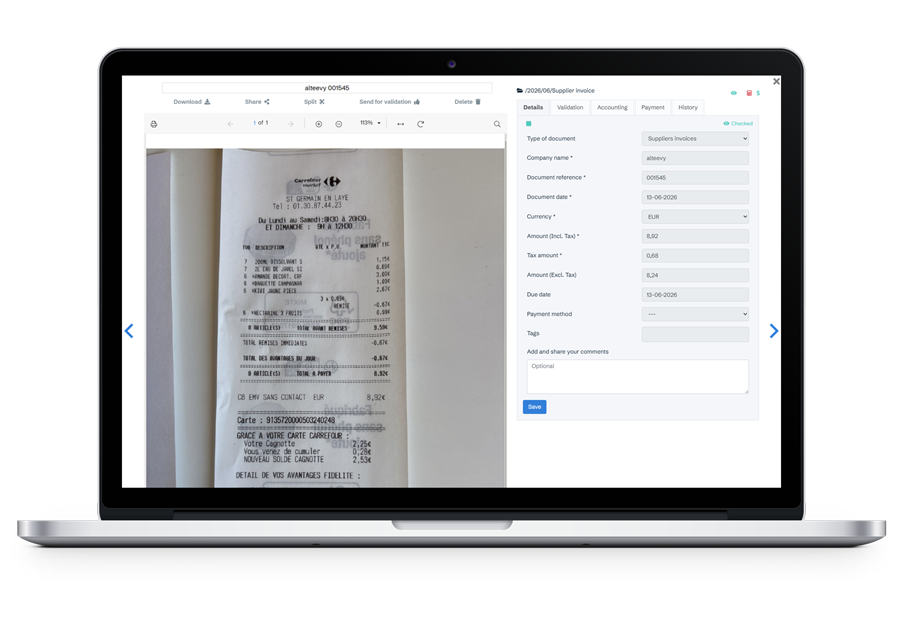
Automated Bill Data Extraction with AI
Azopio uses advanced OCR and AI models to extract key data from invoices — no matter the format or layout.
What’s Extracted
- Supplier name
- Invoice number
- Dates (issue & due)
- Totals and taxes
- Line items
Key Benefits
- Eliminate manual data entry
- High-accuracy field recognition
- Works with PDFs, scans, and images
- Handles multi-format, multi-supplier invoices
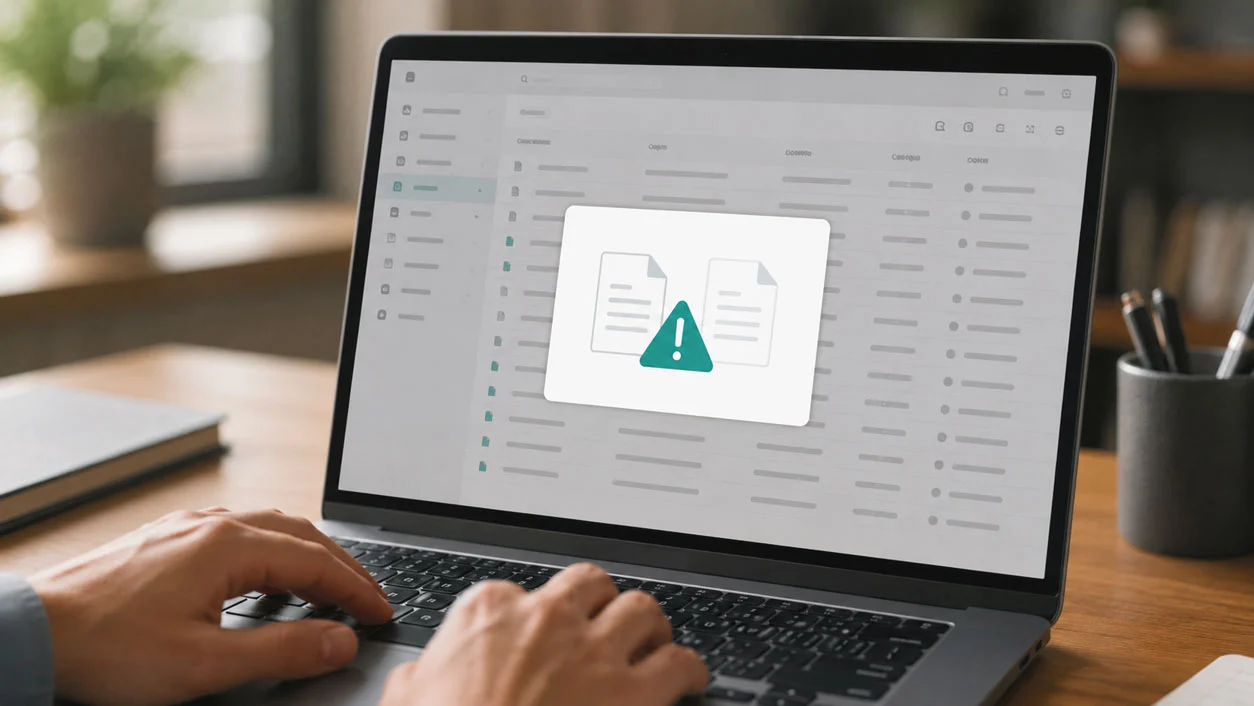
Detect Duplicates
Automatically Detect Duplicate Invoices
Duplicate invoices can lead to costly overpayments. Azopio identifies potential duplicates in real time before they impact your accounting.
How it Works
Azopio cross-checks multiple data points:
- Supplier
- Invoice number
- Amount
- Date
Key Benefits
- Prevent duplicate payments
- Reduce financial risk
- Improve data integrity
Search Instantly
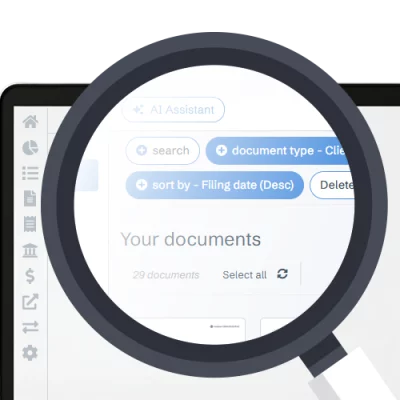
Find Any Invoice in Seconds
Search across all your documents using both extracted data and full-text recognition.
Search By
- Supplier name
- Amount
- Date
- Invoice number
- Keywords inside documents
Key Benefits
- Instant document retrieval
- Full-text OCR search
- Advanced filtering
- No more manual browsing
From Raw Documents to Reliable Data
Azopio ensures your financial data is not only captured — but also accurate, structured, and ready to use.
Reduce processing time
From capture to accounting in minutes, not days.
Minimize human errors
AI extraction removes manual entry mistakes
Improve financial visibility
All documents structured and searchable instantly.
Strengthen internal controls
Audit-ready archive with duplicate detection.
Most frequent questions and answers
What is invoice data extraction?
Invoice data extraction uses OCR and AI to automatically capture key information from invoices and convert it into structured data.
How accurate is OCR/AI for invoices?
Modern OCR combined with AI achieves high accuracy and improves over time with usage and validation.
How does duplicate detection work?
Azopio compares invoices using multiple criteria such as supplier, invoice number, amount, and date to identify duplicates.
Can I search inside scanned documents?
Yes, full-text OCR allows you to search within scanned PDFs and images.
Does this work with all invoice formats?
Yes, Azopio supports a wide range of invoice layouts and formats.
Stop Entering Data. Start Using It.
Let Azopio handle extraction, validation, and search — so your team can focus on higher-value work.
Free 14-day trial